FutureTargets
Hosoda price projections for MetaTrader 5. Drag three anchors on any A-B-C swing — indicator draws four projected price targets, live.
Same Ichimoku price-projection math used in Goichi Hosoda's original 7-volume framework. V / N / E / NT targets, computed live as you drag.
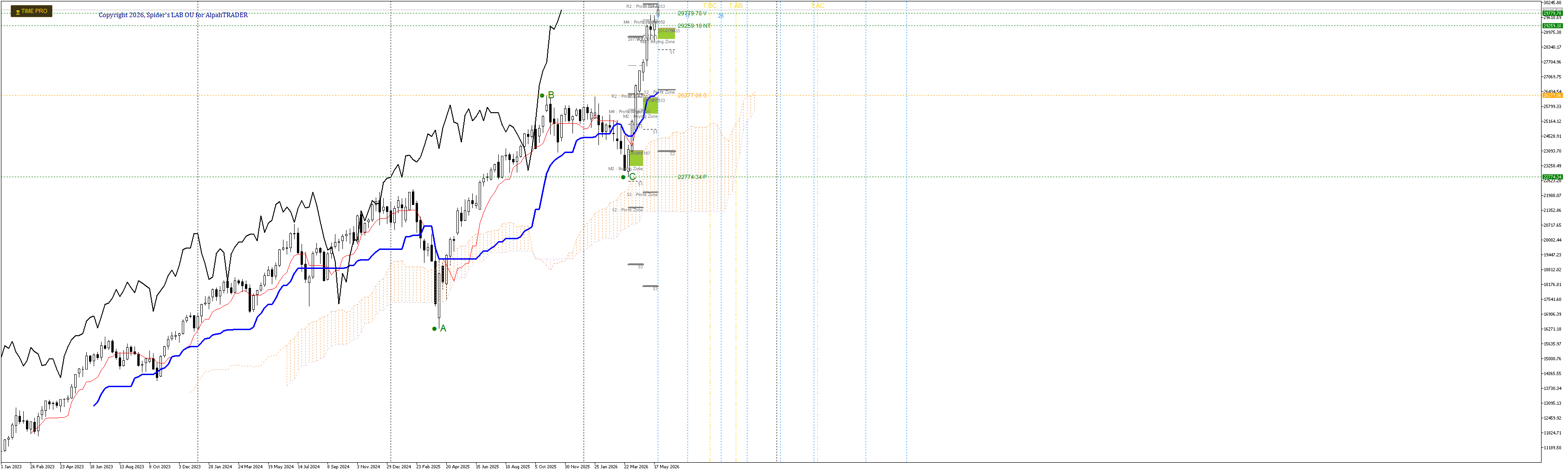
NASDAQ 100 Weekly · Pro tier shown
How it works
Place three anchors on any swing — high, retrace, second leg — and the indicator computes projection targets from Hosoda's full Ichimoku methodology.
= B + (B − C)
Equal-distance reaction projection.
= C + (B − A)
Wave-equality projection — most common Ichimoku target.
= B + (B − A)
Trend-continuation extension.
= C + (C − A)
Late-stage range extension.
Drag any anchor → all targets recompute live. Works on any chart period (M1 → MN), any symbol.
Real chart, real targets
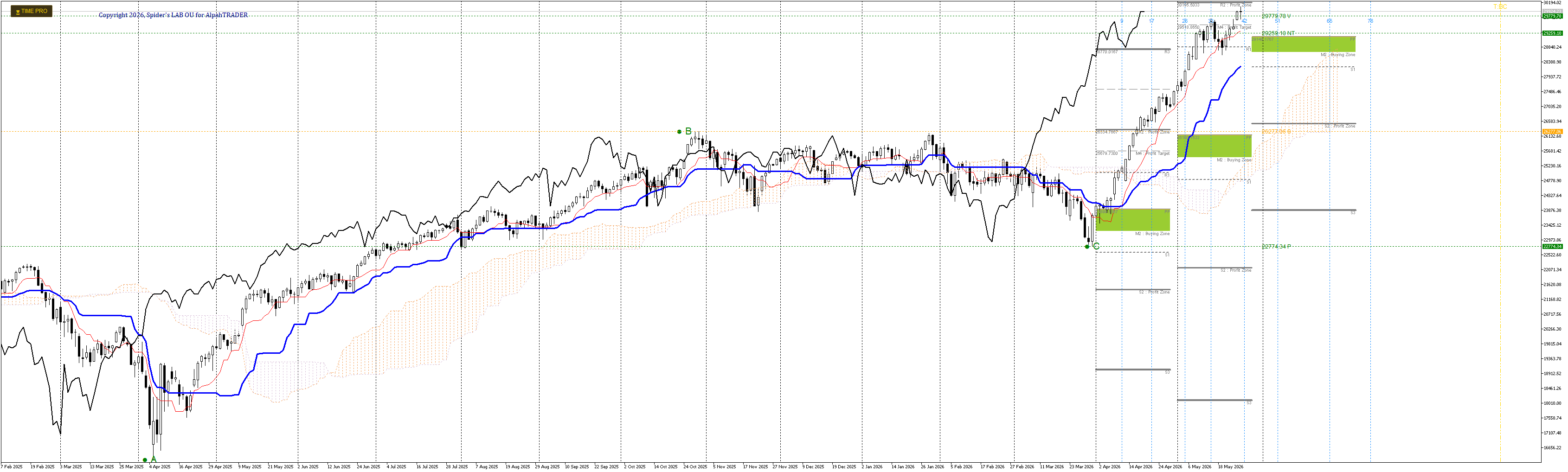
NASDAQ 100 Daily — same anchors, same math.
Lite vs Pro
Lite ships the four fundamental Hosoda targets. Pro adds extended projections, magnetic snap, and time-theory overlays.
{9, 17, 26, 33, 42, 51, 65, 76}Get FutureTargets Pro
Per-account licensed. Submit your MT5 login + broker — we build a custom binary locked to your account and ship it within 24h.
Install
-
1
In MT5 → File → Open Data Folder → navigate to
MQL5/Indicators/ -
2
Drop
FutureTargets.ex5into that folder -
3
Right-click Navigator → Refresh (or restart MT5)
-
4
Drag FutureTargets from Navigator onto any chart
-
5
Three anchors A B C appear — drag to your swing high / low / retrace